> ## Documentation Index
> Fetch the complete documentation index at: https://docs.ensend.co/llms.txt
> Use this file to discover all available pages before exploring further.
# Welcome to Ensend
> The multi-channel notification and messaging platform for product and marketing teams to engage with, and retain customers at scale.
## Overview
Ensend provides a suite of APIs to send notification and broadcast messages across Email, SMS(soon), WhatsApp(soon) and Push Notification(soon).
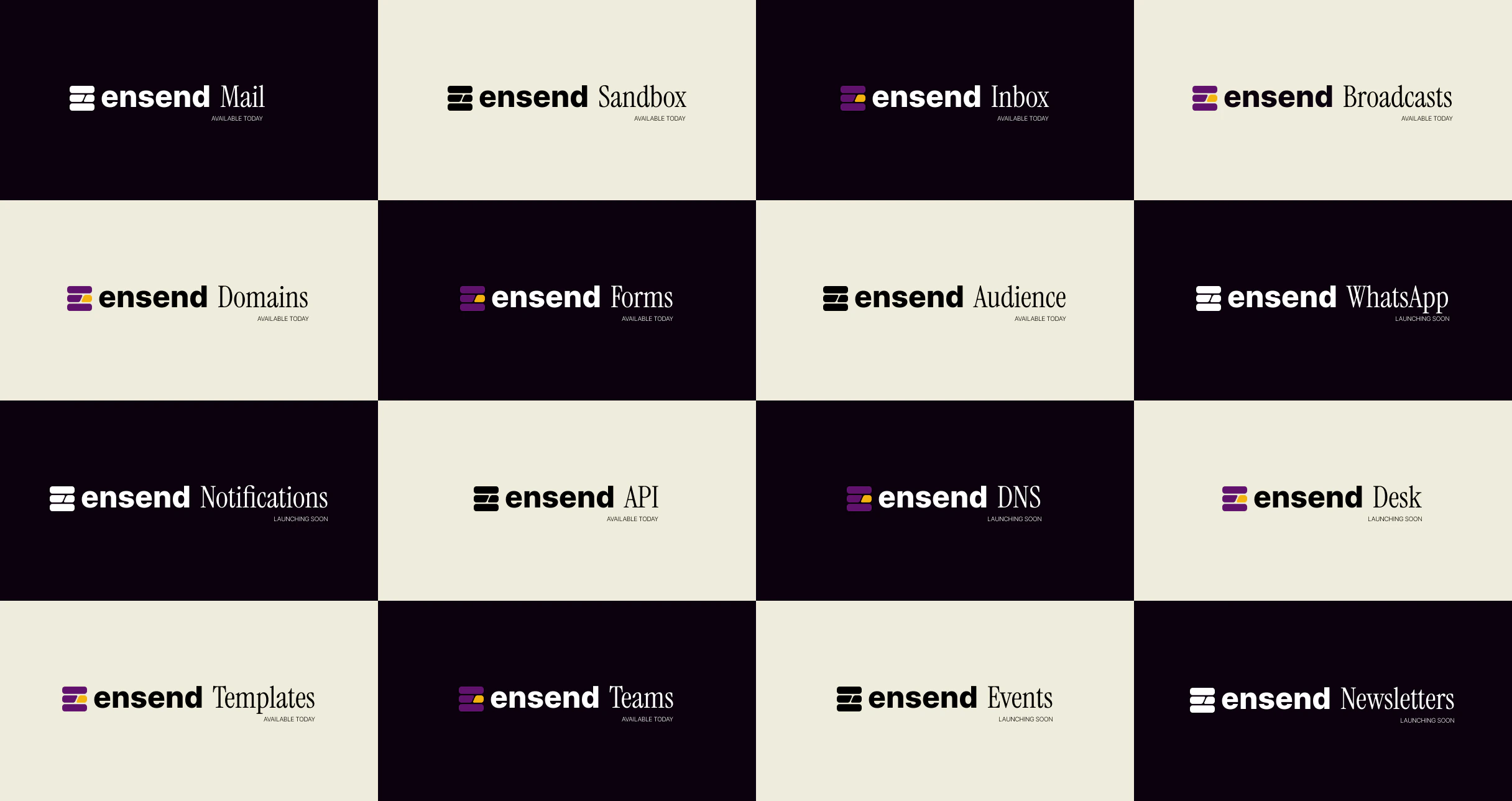 ## What's Inside?
* [ The Send API](/credentials) \
A collection of endpoints to programmatically send email, sms, whatsapp, push notifications and broadcasts.
* [**The Project API**](/credentials) \
A collection of endpoints to interface with your projects and create custom workflows in your application.
Our goal with this documentation is to get you started with the API and help you send exciting messages to your customers from your applications.
## What's Inside?
* [ The Send API](/credentials) \
A collection of endpoints to programmatically send email, sms, whatsapp, push notifications and broadcasts.
* [**The Project API**](/credentials) \
A collection of endpoints to interface with your projects and create custom workflows in your application.
Our goal with this documentation is to get you started with the API and help you send exciting messages to your customers from your applications.